Trade WTK & WorkTHR on PancakeSwap
You can trade WorkTokens (WTK) and WorkTHR on PancakeSwap using Metamask.
Token Addresses
WorkTHR:
0xffc4f8Bde970D87f324AefB584961DDB0fbb4F00
WTK:
0xe5fe7841e21845e4D919B1cef345559a951f182F
0xffc4f8Bde970D87f324AefB584961DDB0fbb4F00
WTK:
0xe5fe7841e21845e4D919B1cef345559a951f182F
How to Import Tokens
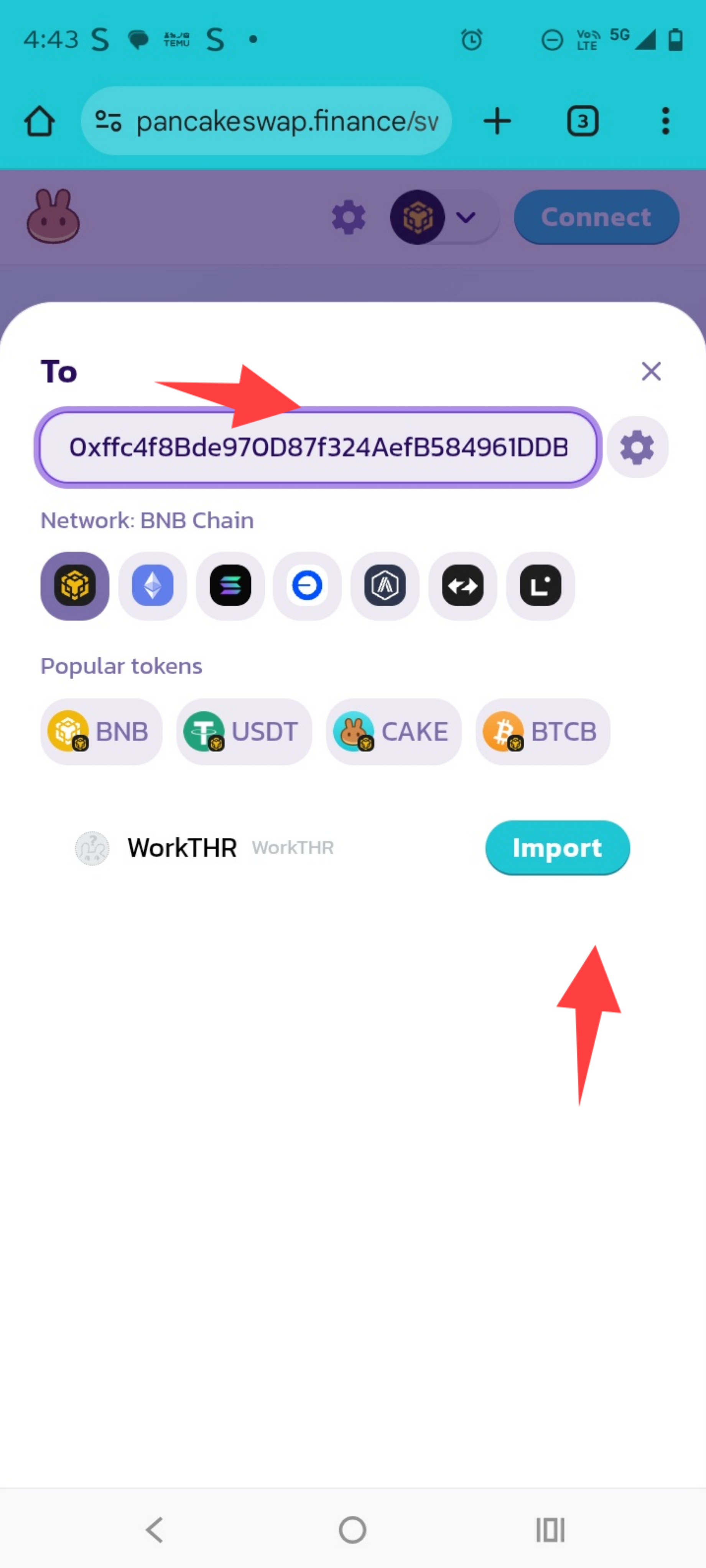
- Open Metamask and switch to the BNB Smart Chain.
- Scroll down and click Import Tokens.
- Paste the token address (WTK or WorkTHR) and confirm.
- Repeat for both tokens if needed.
How to Trade on Desktop
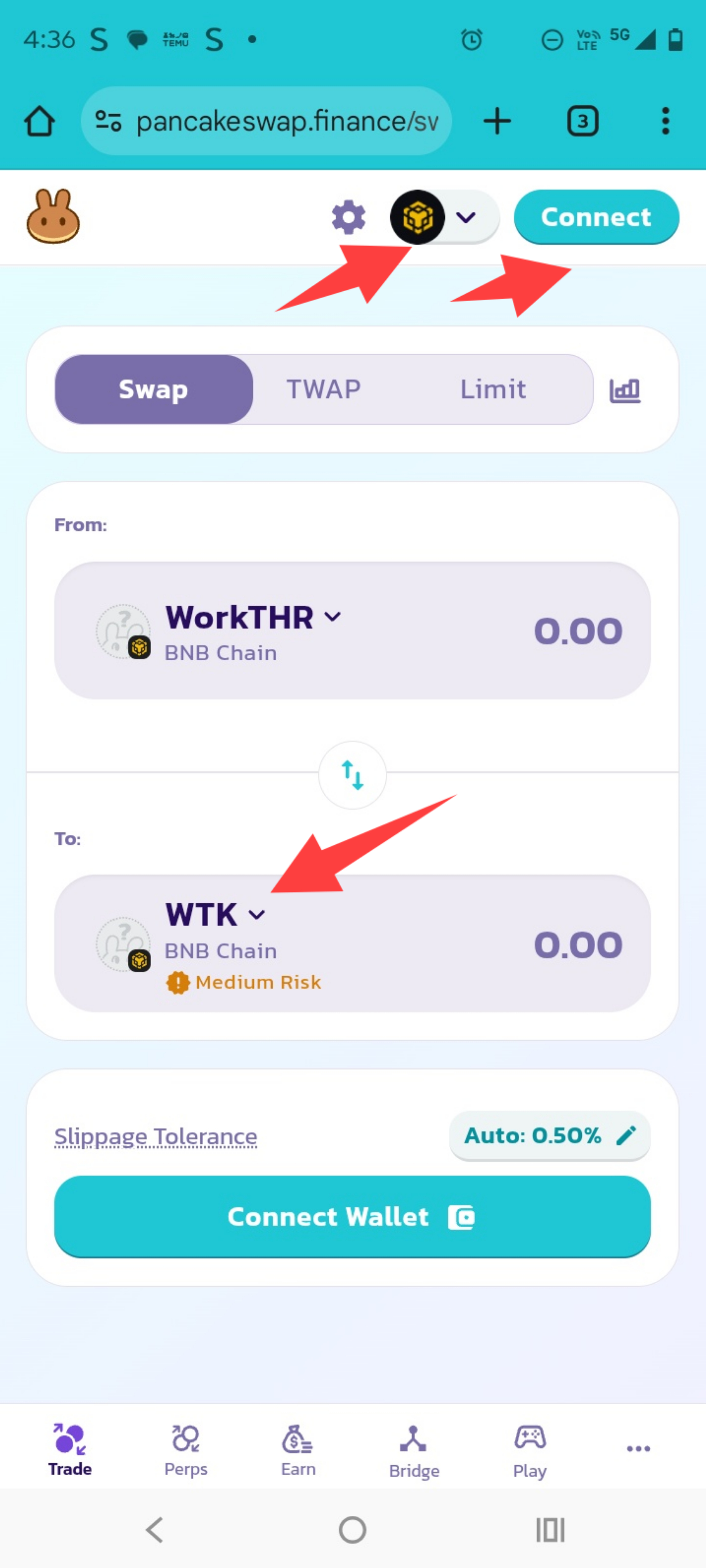
- Install the Metamask browser extension and set up your wallet.
- Visit PancakeSwap.
- Click Connect Wallet and choose Metamask.
- Choose the token you want to swap (WTK or WorkTHR).
- Enter the amount and confirm the transaction.
How to Trade on Mobile
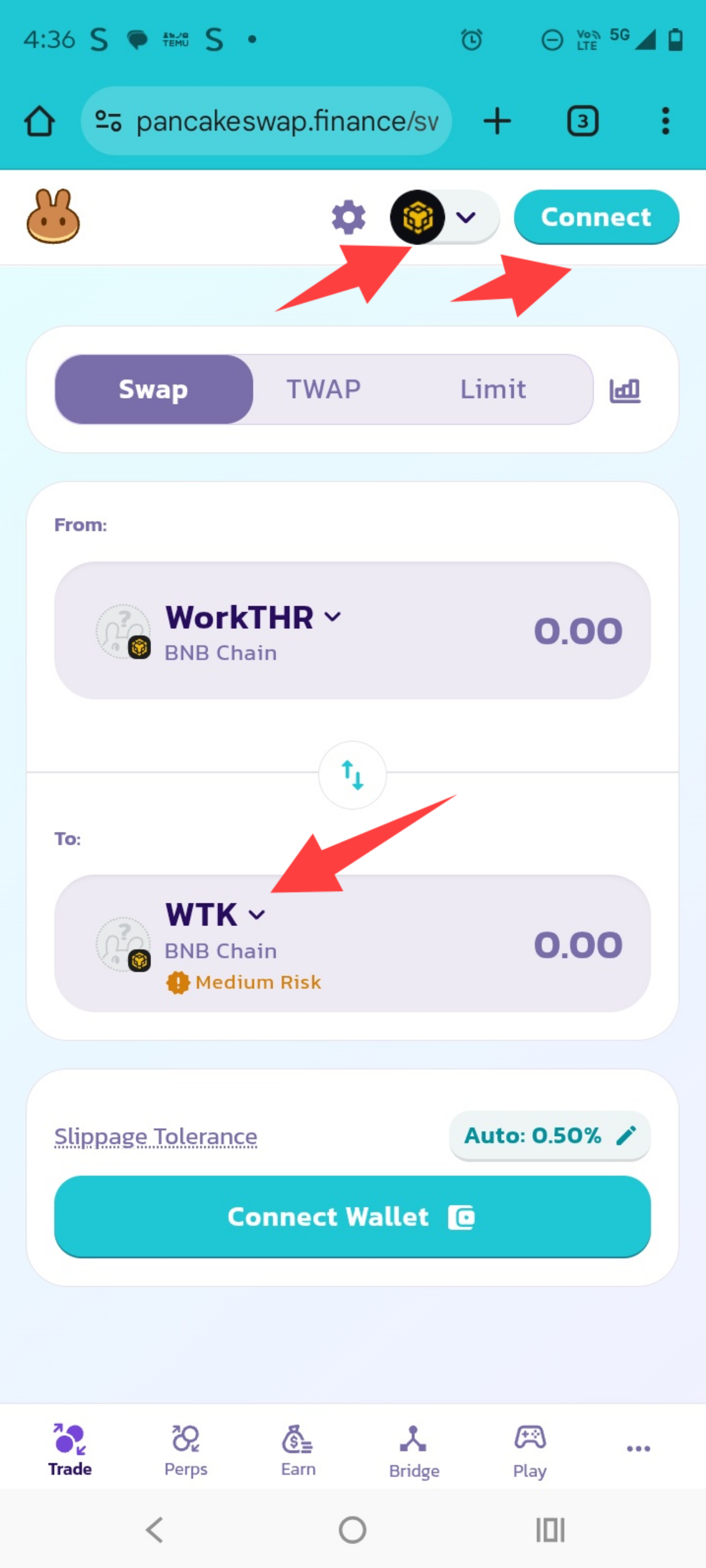
- Install the Metamask app on your phone.
- Open the app and use the built-in browser.
- Visit PancakeSwap.
- Connect your wallet and follow the same steps as desktop.
Other Notes
- Make sure your wallet is funded with BNB for gas fees.
- If tokens don’t appear, manually import them using the addresses above.
- Trading only works if your wallet is connected and on the BNB Smart Chain.
Need Help?
Email: CfCbazar@gmail.com
Website: CfCbazar